Budget Camcorder
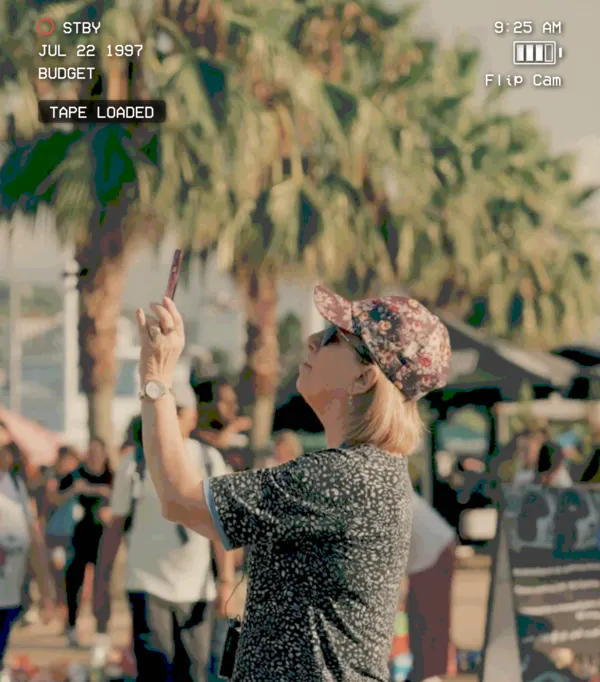
The one from the drugstore. Soft focus, wobbly stabilization.
 HomeMovieCam
Get the app
HomeMovieCam
Get the app
REC · JUL 04 1998
The VHS camera and camcorder app for iPhone. Seven classic formats, live in the viewfinder.
PLAY ▶ The tour
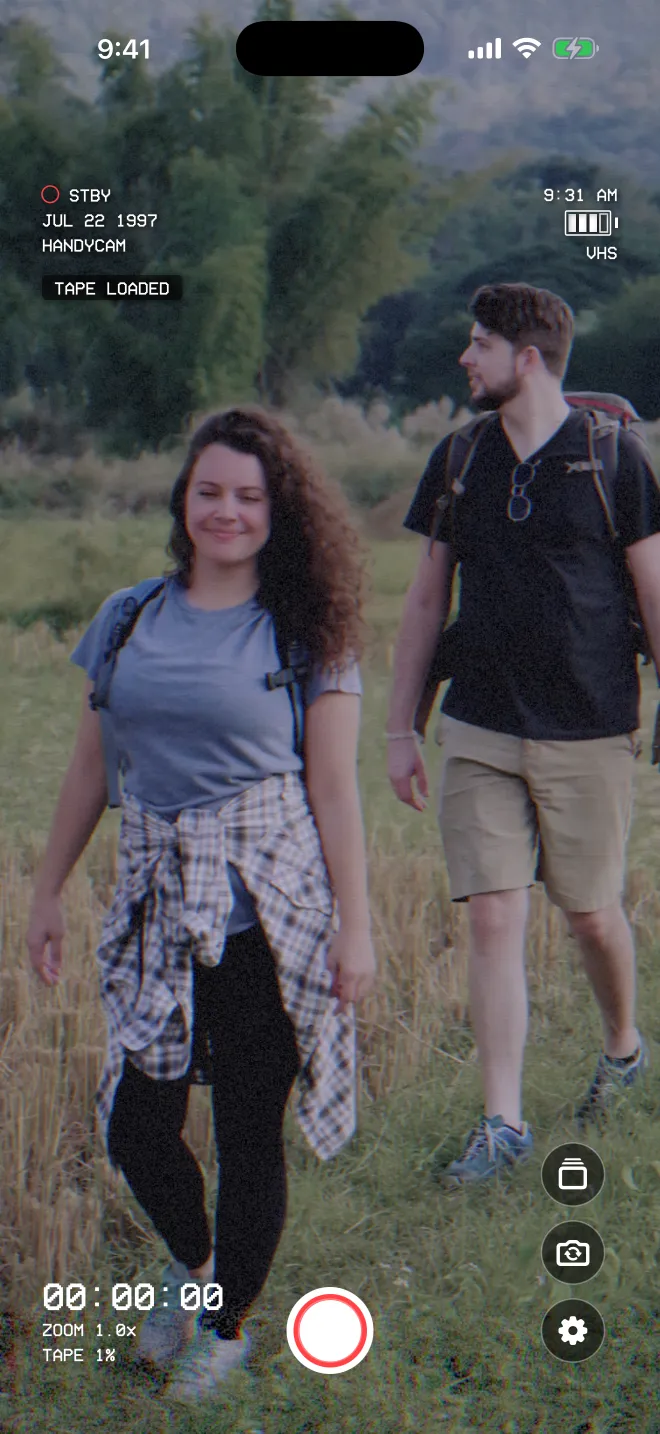
It’s an iPhone app, filming live. Every scene lands on a tape you name, and plays back like the home movies you grew up with.
Formats
The same clip, rendered by the real HomeMovieCam engine. Pick a format, then drag the line to compare it with the plain iPhone footage.
The family-room classic. Soft image, color bleed, tracking noise, and that wobble along the bottom of the frame.
See the VHS camera appCameras
Formats set the look of the tape. Camera models set the personality of the body holding it, from bargain-bin soft to broadcast sharp.
The one from the drugstore. Soft focus, wobbly stabilization.
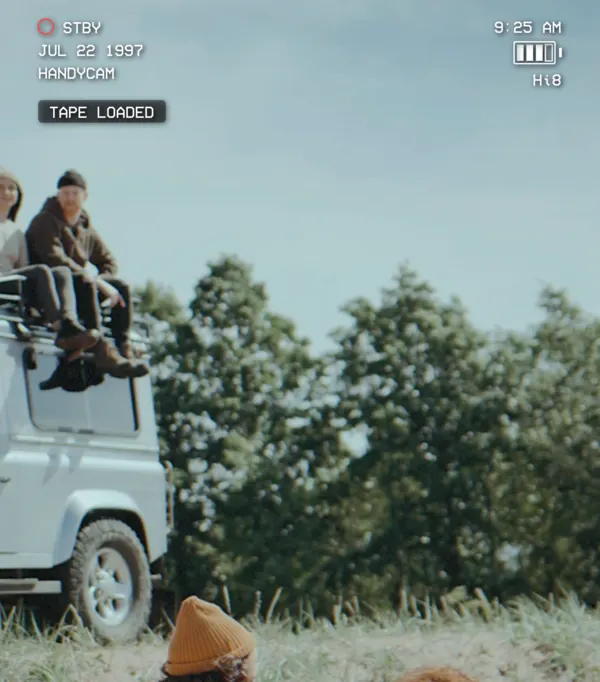
Balanced and dependable. The camera at every birthday.
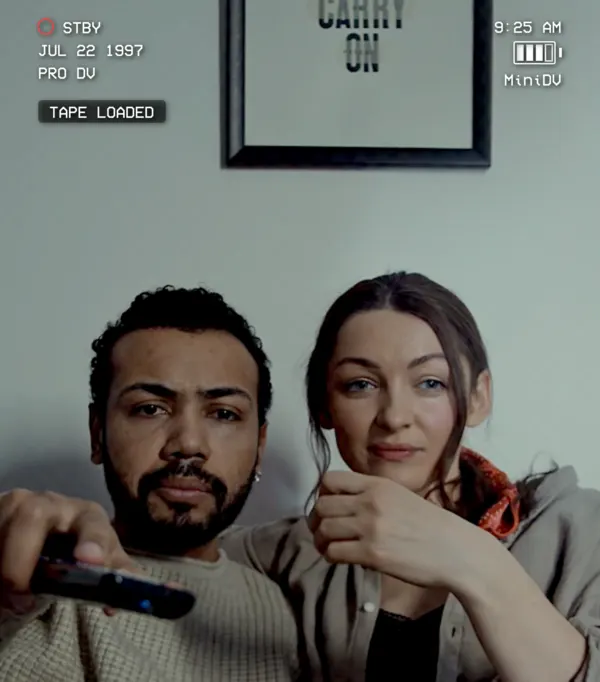
Cleaner picture and better audio, for when it matters.
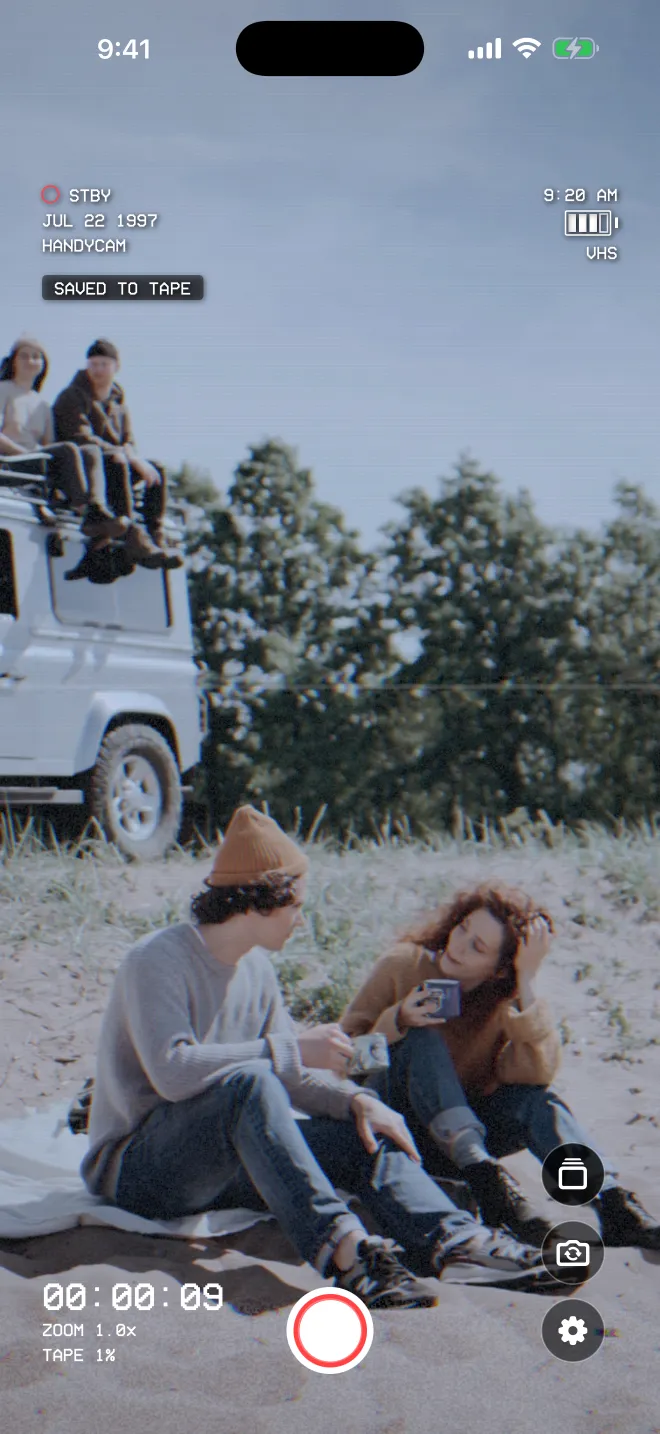
Live viewfinder
HomeMovieCam opens straight into the viewfinder. You see the look while you shoot, and the saved video matches. No editing app, no waiting.
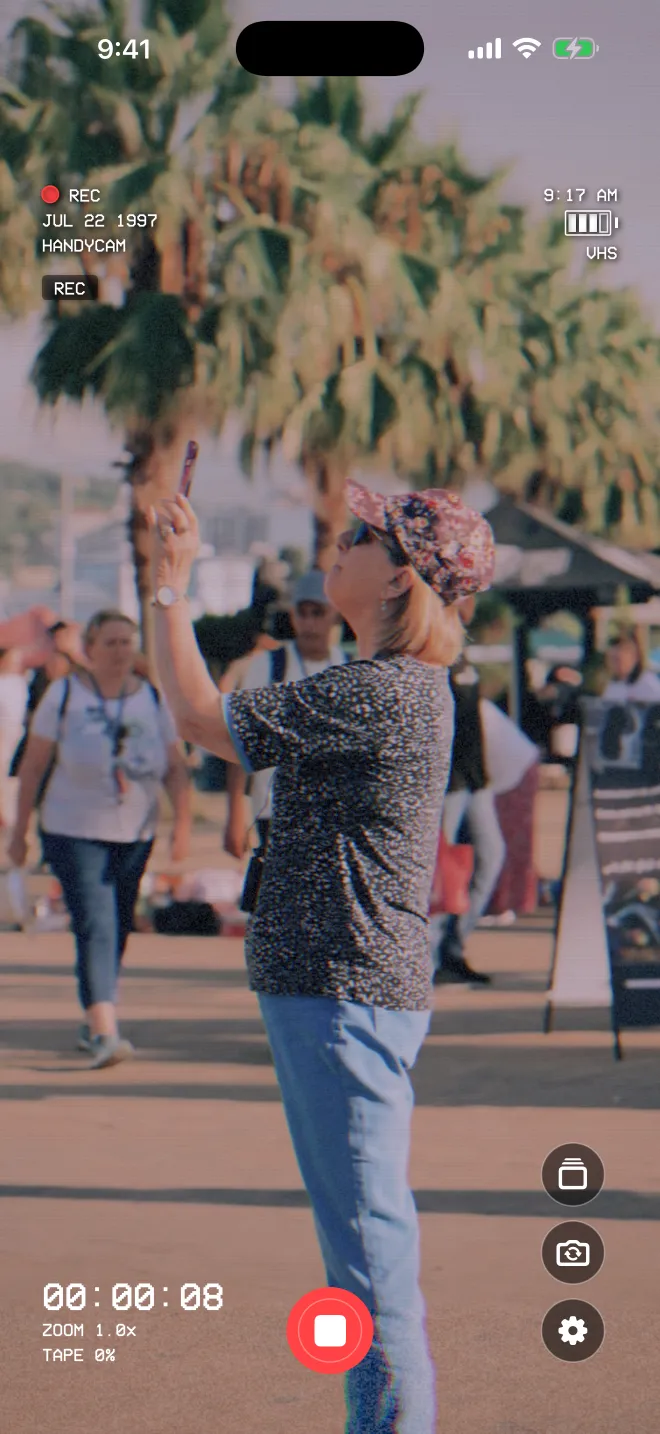
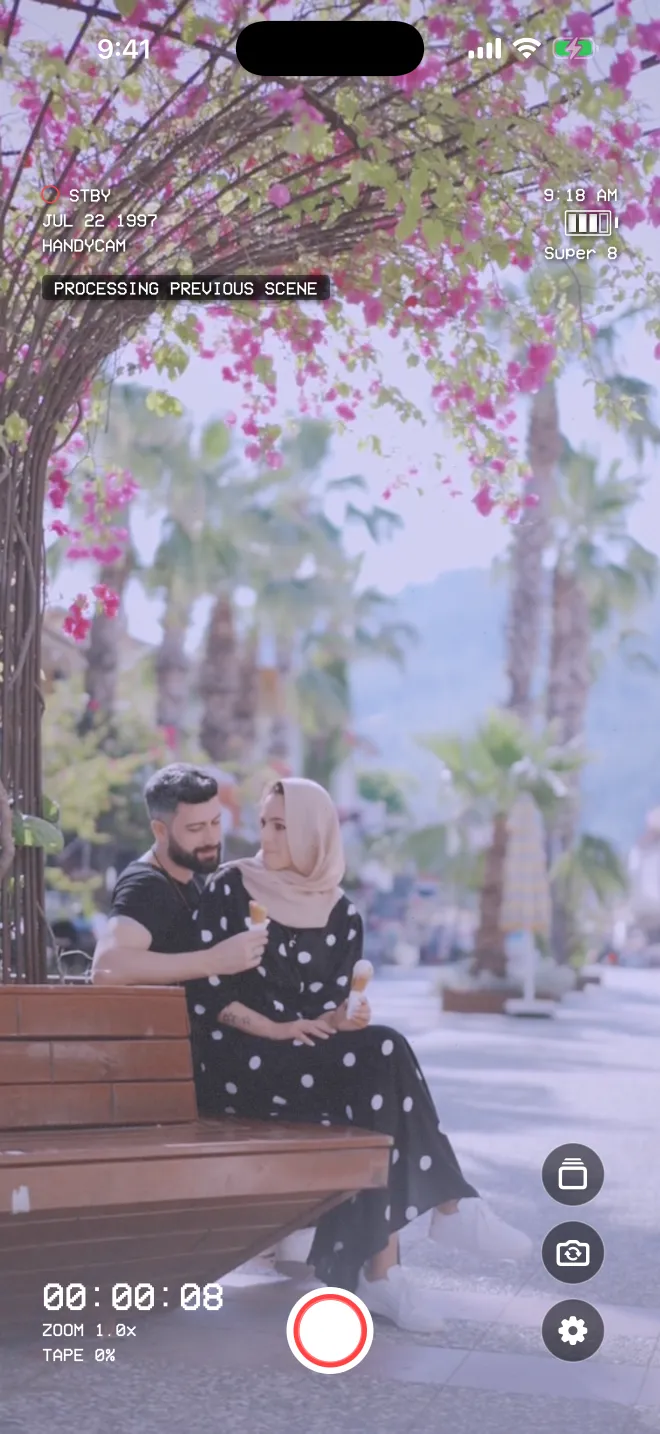
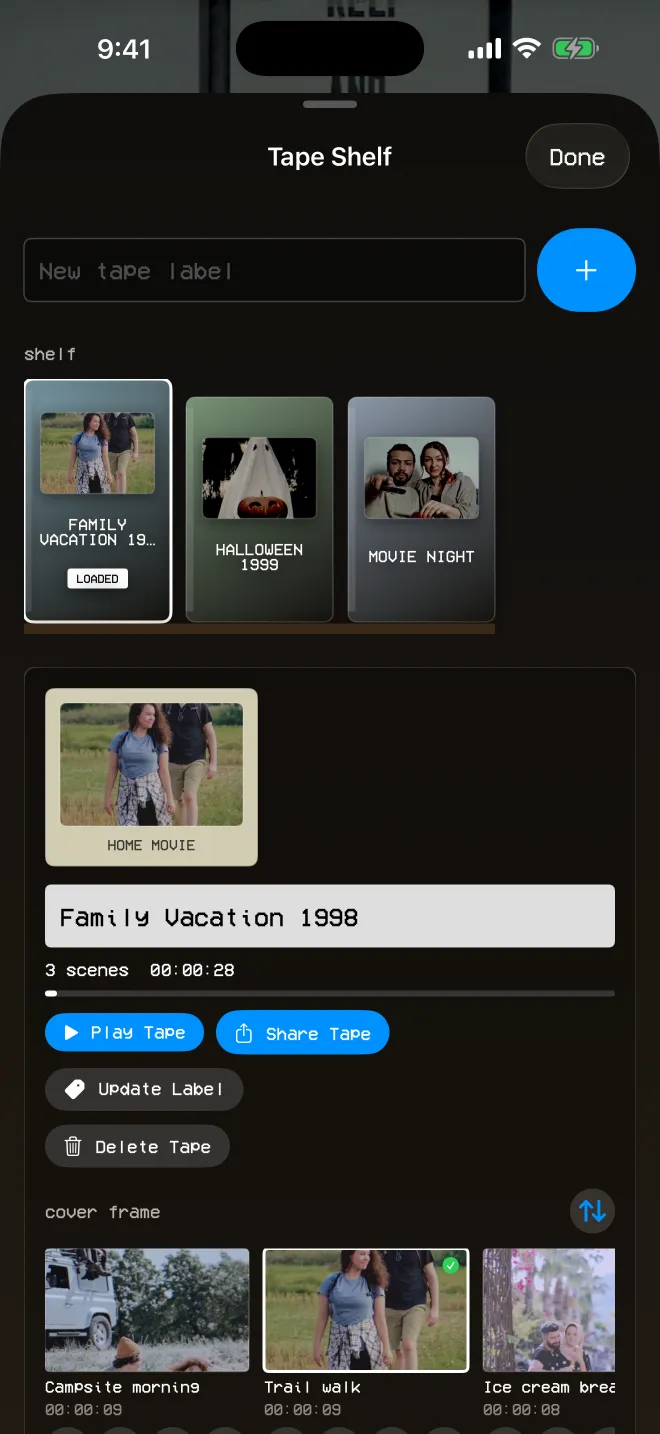
Digital tapes
Skip the endless camera roll. Load a tape, film the day, and watch it back as one home movie.
PLAY ▶ OCT 31 1999
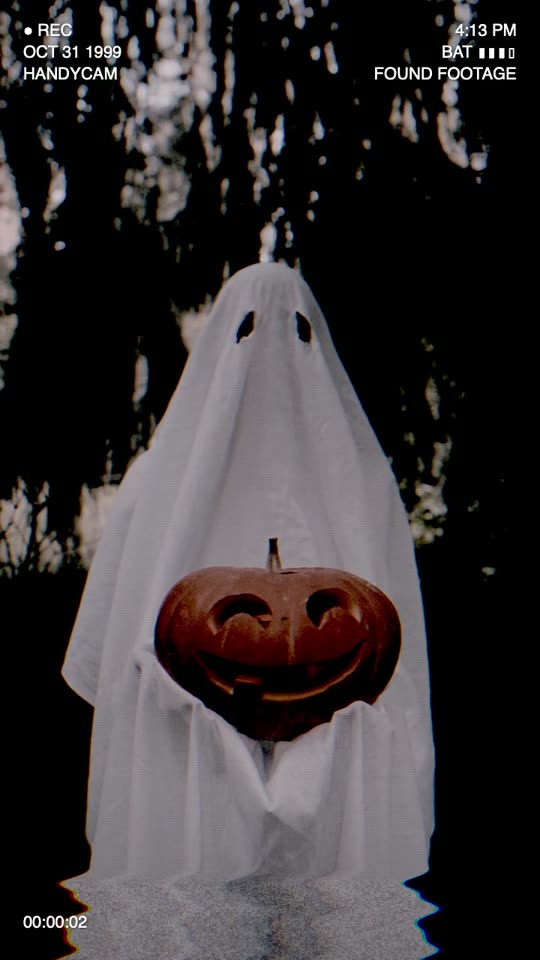
The tape that should have stayed in the attic. Found Footage gives indie filmmakers and spooky-season creators the cursed-tape look, live in camera.
More about the found footage camera
Tap to record
Apple Watch remote
Prop your iPhone on a shelf, then start and stop recording from your wrist. Group shots, kids’ games, the whole family on the couch. Everyone gets to be in the frame.
HomeMovieCam needs to be open and ready on your iPhone. The Watch app needs watchOS 11 or later.
Made for
Make your kids’ childhood look like yours did.
One tape per occasion, ready to rewatch every year.
2000s energy, no editing app required.
Skate-video crisp, straight out of the camera.
The cursed-tape look, captured live.
Warm, flickering film for the moments that matter.
Privacy
A camcorder made for real life, not the feed. Privacy isn’t an upgrade. It’s how the app is built, and everyone gets it.
Read the Privacy PolicyFAQ
More answers on the Support page.
No. HomeMovieCam is a camera. You see the camcorder look live in the viewfinder while you record, and the saved video matches what you saw.
VHS, Hi8, MiniDV, MiniDVD, Flip Cam, Super 8, and Found Footage. Pair any of them with the Budget Camcorder, Family Handycam, or Professional DV camera model.
No. There’s no account, no analytics, and no advertising SDK. Your tapes live inside the app on your device. Copying finished scenes to Photos is optional.
Yes. HomeMovieCam runs on iPhone with iOS 18 or later and on iPad with iPadOS 18 or later.
No. The Watch remote is optional. It pairs with iPhone, needs watchOS 11 or later, and starts and stops recording while HomeMovieCam is open.
Someday, today will be the old tape.

Go start your first tape. Share it with #homemoviecam